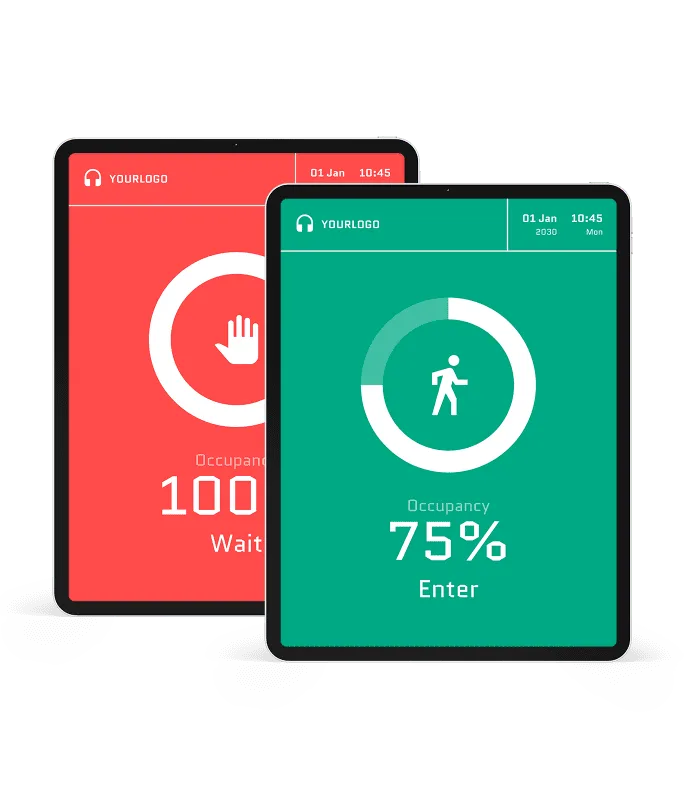
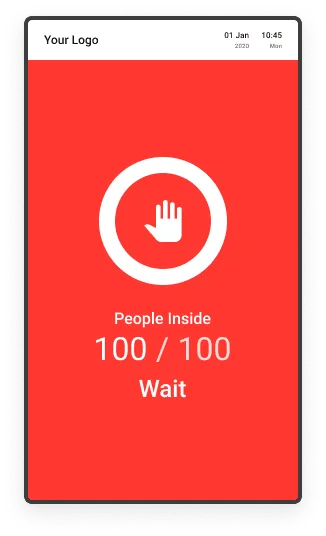
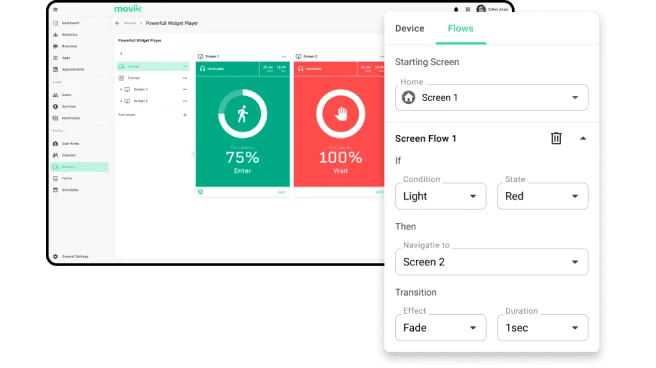
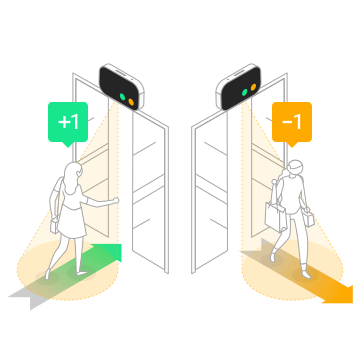
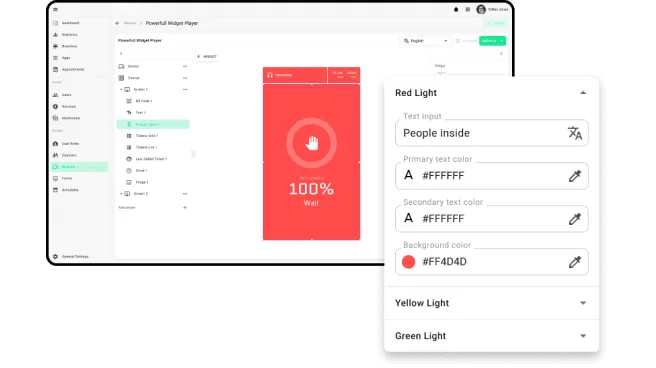
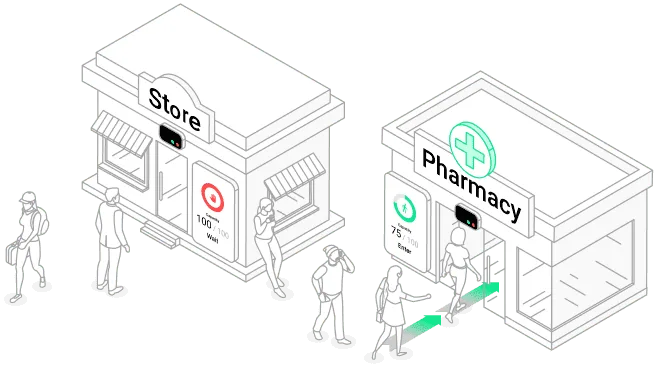
When your space has reached its full capacity, the screens outside will change automatically, showing a Red Light, instructing visitors to wait.
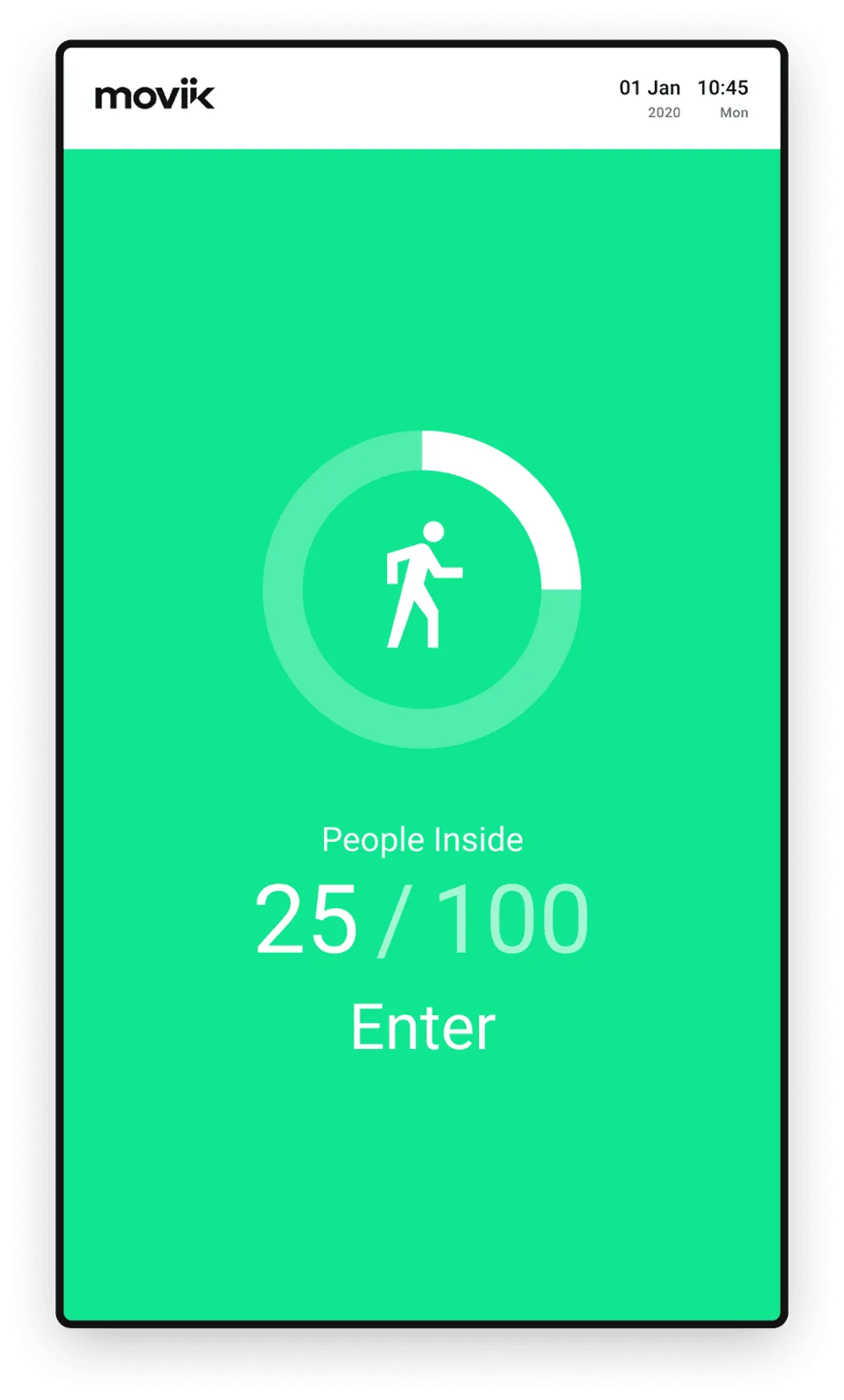
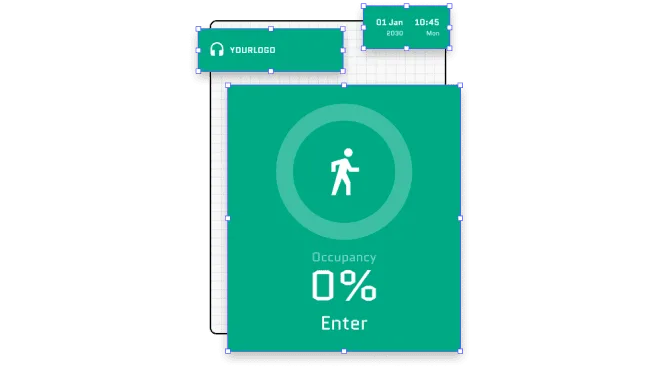
When your store capacity is below full occupancy, the screens outside will automatically change to the Green Light, indicating that your visitors are free to enter.
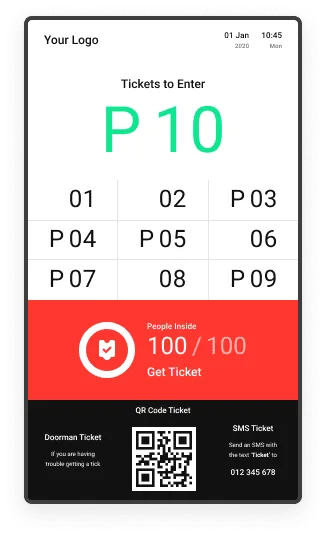
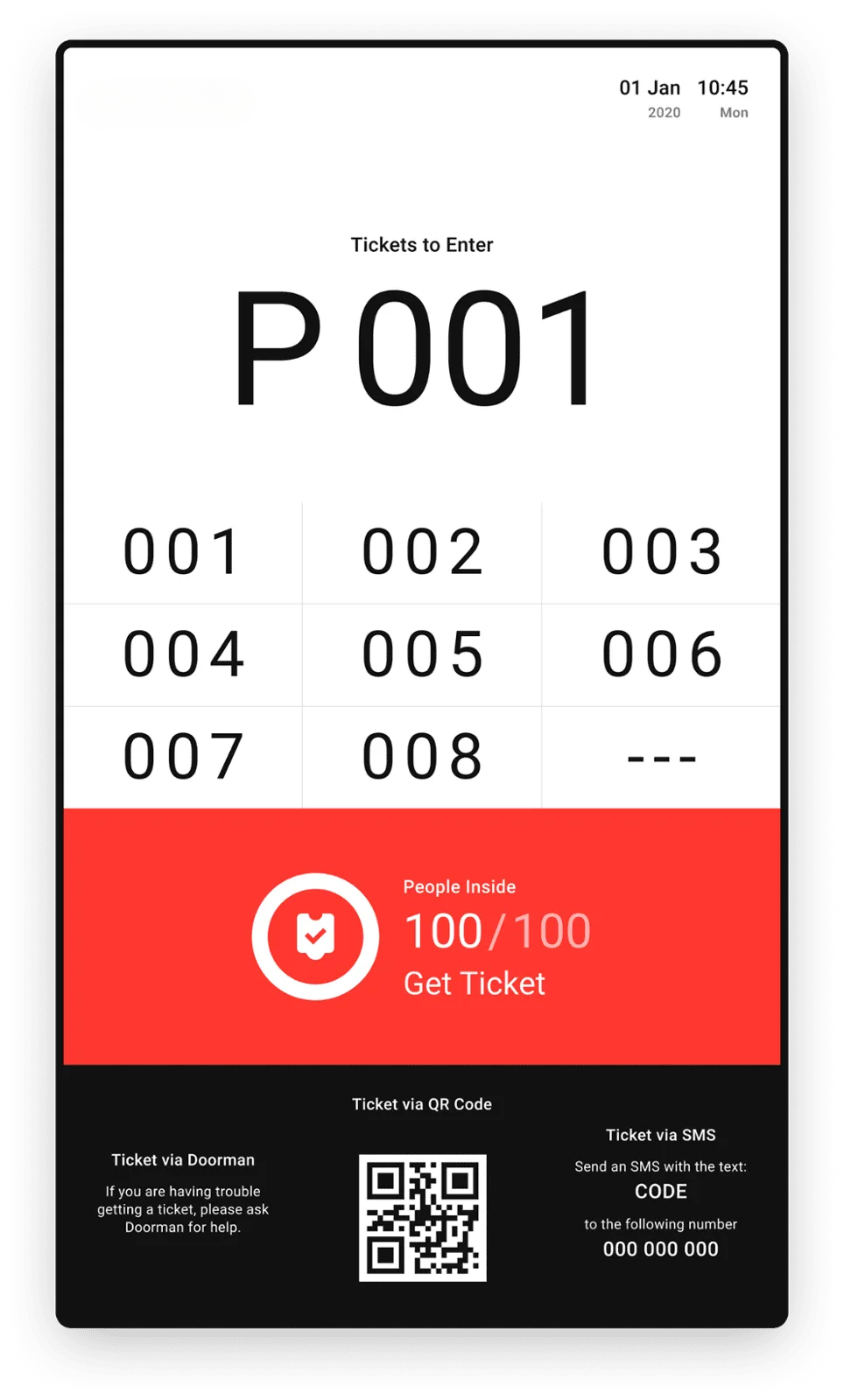
It can also activate the Queue Management screen when maximum occupancy is reached. This way, your visitors can take their tickets, wait safely, and be notified when it’s their turn.
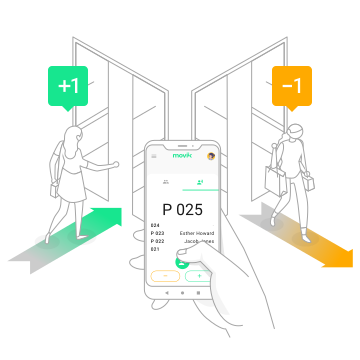
Manage in-store traffic
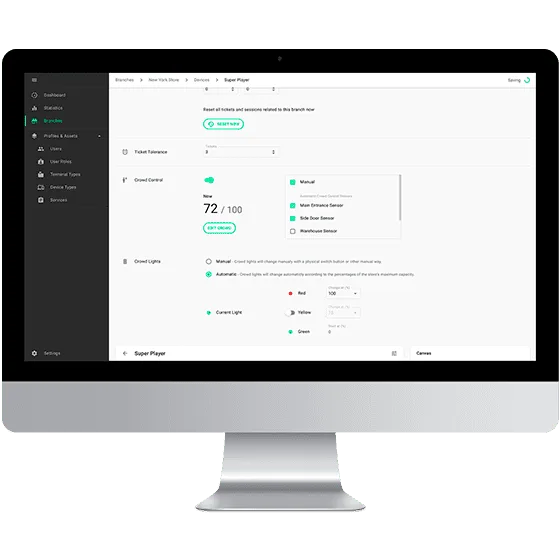
Activate Crowd Control Lights and automate the activation and deactivation of the Queueing System, making your visitors wait outside only when necessary.